IMAGE
open-graph
1200×630px
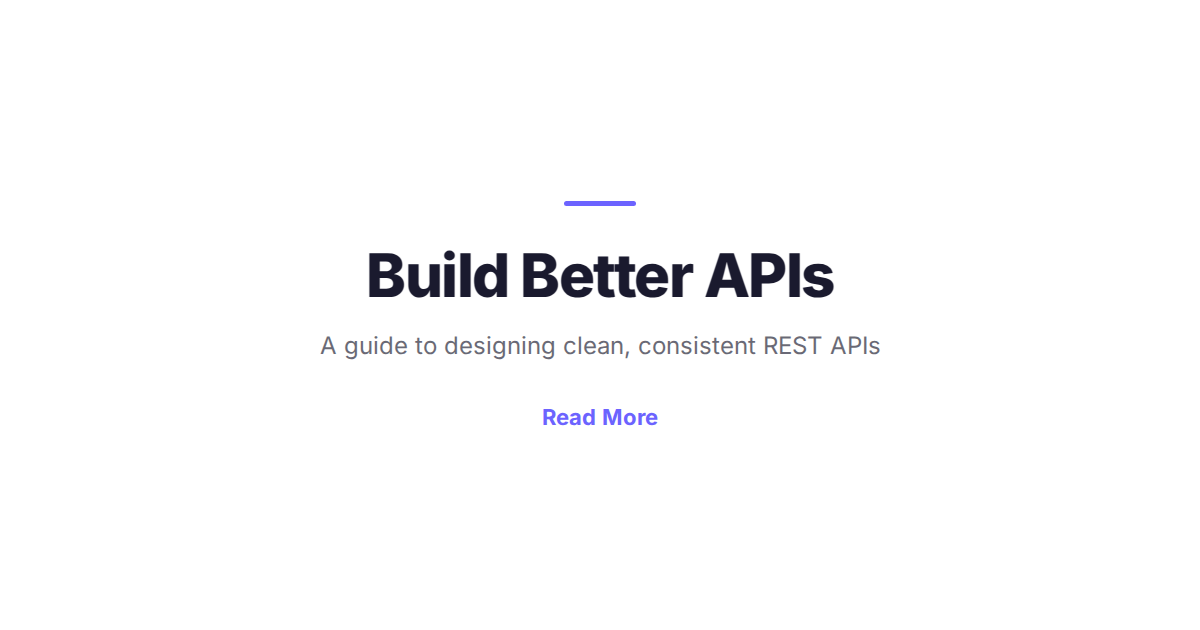
Minimal Brand Card
Clean dark or light card with logo, headline, subheadline, and CTA text. No photos required.
Use Cases
- SaaS landing page og:image
- Brand awareness cards
- App launch social sharing
- Minimalist blog headers
Tags
minimal
brand
clean
open-graph
logo
social-sharing
dark-mode
Template Variables
| Variable | Type | Default | Description |
|---|---|---|---|
| headline | string | Build something great. | Main headline |
| subheadline | string | The fastest way to get started. | Supporting text |
| cta | string | Learn more → | Call-to-action text |
| logo_url | url | Logo image URL (leave blank to omit) | |
| bg_color | color | #1e293b | Background colour |
| text_color | color | #f8fafc | Text colour |
| accent_color | color | #38bdf8 | Accent / CTA colour |
API Example
POST to
https://image.toolkitapi.io/v1/image/from-template
with your template URL and variable values.
curl -X POST "https://image.toolkitapi.io/v1/image/from-template" \
  -H "X-API-Key: YOUR_API_KEY" \
  -H "Content-Type: application/json" \
  -d '{"template_url": "https://toolkitapi.io/static/templates/image/og-minimal.html", "variables": {"headline": "Build something great.", "subheadline": "The fastest way to get started.", "cta": "Learn more \u2192", "logo_url": "", "bg_color": "#1e293b", "text_color": "#f8fafc", "accent_color": "#38bdf8"}, "width": 1200, "height": 630, "format": "png"}'
import httpx, base64
resp = httpx.post(
"https://image.toolkitapi.io/v1/image/from-template",
headers={"X-API-Key": "YOUR_API_KEY"},
json={
"template_url": "https://toolkitapi.io/static/templates/image/og-minimal.html",
"variables": {
"headline": "Build something great.",
"subheadline": "The fastest way to get started.",
"cta": "Learn more \u2192",
"logo_url": "",
"bg_color": "#1e293b",
"text_color": "#f8fafc",
"accent_color": "#38bdf8"
},
"width": 1200,
"height": 630,
"format": "png"
},
)
image_bytes = base64.b64decode(resp.json()["image"])
with open("result.png", "wb") as f:
f.write(image_bytes)const response = await fetch("https://image.toolkitapi.io/v1/image/from-template", {
method: "POST",
headers: {
"X-API-Key": "YOUR_API_KEY",
"Content-Type": "application/json",
},
body: JSON.stringify({
"template_url": "https://toolkitapi.io/static/templates/image/og-minimal.html",
"variables": {
"headline": "Build something great.",
"subheadline": "The fastest way to get started.",
"cta": "Learn more \u2192",
"logo_url": "",
"bg_color": "#1e293b",
"text_color": "#f8fafc",
"accent_color": "#38bdf8"
},
"width": 1200,
"height": 630,
"format": "png"
}),
});
const data = await response.json();
// data.image is a base64-encoded PNG$body = @{
template_url = "https://toolkitapi.io/static/templates/image/og-minimal.html"
variables = {
"headline": "Build something great.",
"subheadline": "The fastest way to get started.",
"cta": "Learn more \u2192",
"logo_url": "",
"bg_color": "#1e293b",
"text_color": "#f8fafc",
"accent_color": "#38bdf8"
}
width = 1200
height = 630
format = "png"
} | ConvertTo-Json -Depth 5
Invoke-RestMethod -Method POST `
-Uri "https://image.toolkitapi.io/v1/image/from-template" `
-Headers @{"X-API-Key" = "YOUR_API_KEY"} `
-ContentType "application/json" `
-Body $body